

How To Reset Harley Security System – Simple Steps
To reset your Harley security system, turn the ignition to ON without starting the engine. Then, cycle between OFF and ON as needed to enter reset mode. Use the left turn signal three times quickly, followed by a right turn signal once, to display the security PIN.
Carefully enter and confirm each PIN digit to deactivate the alarm and allow starting. If the system locks or shows dashes, wait for cooldown or seek professional diagnostic tools.
Further details explain how to troubleshoot and access authorized reset options. If you get stuck, don’t hesitate to reach out for expert help.
Why Your Harley Security System May Prevent Starting
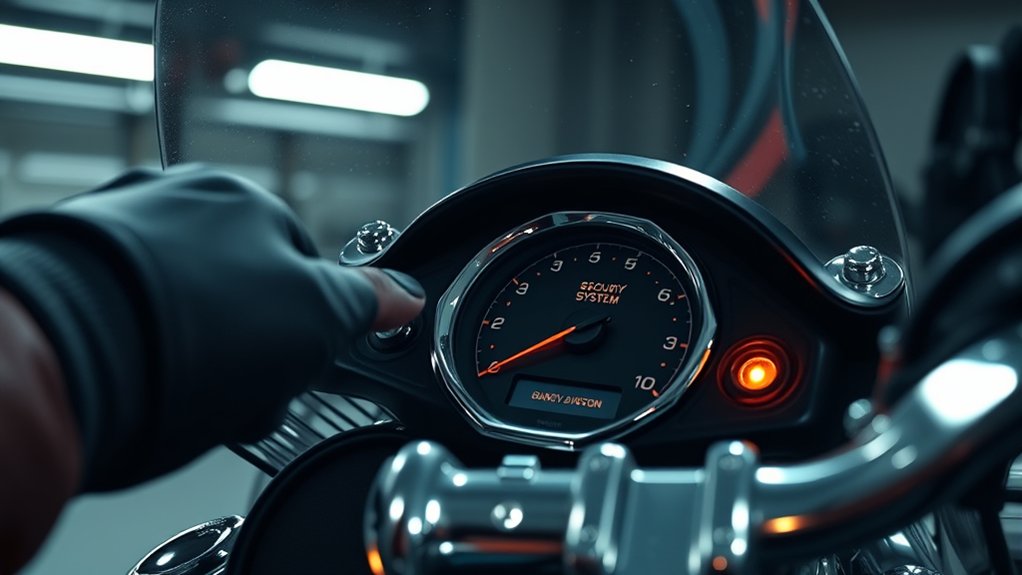
Why won’t your Harley start when the security system is active? The security system is designed to prevent unauthorized engine starts by blocking ignition if it detects a breach or malfunction.
If you haven’t correctly entered the PIN code or if it’s been reset, the system will lock the engine, preventing startup.
Moreover, a faulty or depleted key fob battery can disrupt communication between the fob and the security system, causing a no-start condition.
The system also locks the engine if it hasn’t been properly reset after activation or if it senses suspicious activity.
Sometimes, a weak main battery can cause the security system to malfunction, further preventing your Harley from starting.
Understanding these factors helps diagnose why your bike won’t start with the security system active.
How to Start the Harley Security Reset Mode
To start the Harley security reset mode, first turn the ignition switch to the ON position—but don’t start the engine just yet.
Next, you’ll need to enter the PIN code. To do that, press the left turn signal three times, then press the right turn signal once.
This sequence tells the system to enter reset mode and get ready to accept your PIN.
Ignition Switch Position
How do you initiate the Harley security system reset mode? First, make sure your motorcycle is in a stable, safe environment. Then, turn the ignition switch to the “ON” position.
This action activates the reset mode, but on some models, you may need to cycle the ignition switch between “OFF” and “ON” a specific number of times to trigger the process. Keep the ignition switch in the “ON” position throughout the reset to ensure success.
Watch for indicator lights or dashboard messages confirming the system is in reset mode before proceeding. Also, the left turn signal indicator may flash or illuminate as part of this confirmation, signaling that the system is ready for the next reset step.
Turn Signal Sequence
When do you engage the turn signal sequence to start the Harley security reset mode?
After turning the ignition switch to the ON position, you immediately trigger the reset process using the turn signals.
Press the left turn signal three times rapidly; this action initiates the security reset sequence.
Next, press the right turn signal once to confirm and proceed.
Upon confirmation, the system displays the previous owner’s or dealership’s PIN code on the odometer or security indicator.
This code is essential for deactivating the security system.
Once you enter the correct PIN, the system disables the security lock, allowing the bike to start normally.
Following this precise turn signal sequence guarantees you effectively enter and complete the Harley security reset mode.
How to Use Turn Signals to Display the Harley Security PIN

Wondering how you can reveal the Harley security PIN using the turn signals? First, turn the ignition switch to the ON position without starting the engine. Then, press the left turn signal three times quickly to activate the PIN display mode.
Next, press the right turn signal once to confirm and view the PIN code on the security system display. The system will flash or show dashes representing the digits, indicating the PIN sequence.
Make sure to use the turn signals exactly as instructed to interact with the security system.
| Action | Signal Input |
|---|---|
| Activate PIN Display Mode | Left turn signal x3 quick |
| Confirm PIN Display | Right turn signal x1 |
| View PIN Sequence Indicators | Flashing or dashes on display |
How to Enter and Confirm the Security PIN
To enter the security PIN, first turn the ignition to ON.
Then, use the turn signal buttons to input each digit as dashes appear on the display.
Once you’ve entered the PIN, just wait for the system to acknowledge it and allow the engine to start.
If nothing happens, don’t worry — double-check each digit and try entering the code again carefully.
Entering The PIN
Although the Harley security system prompts you with dashes on the display to indicate readiness, you’ll need to use the designated button to input each digit of your PIN carefully. Begin by pressing the button repeatedly to select the correct number for each digit.
Use the next-digit button to move forward only after confirming each entry.
Follow these steps for accurate PIN entry:
- Observe the dashes on the display signaling the system is ready.
- Press the input button repeatedly to reach the desired digit.
- Use the next-digit button to confirm and proceed.
After entering all digits, wait for the system to authenticate the code. Accurate input disables the alarm and allows engine start.
Avoid rushing to prevent lockouts or multiple attempts. Just take your time, and you’ll be good to go.
Confirming PIN Accuracy
When the dashes appear on your Harley’s display, it means the system is ready for you to enter your security PIN. Carefully input each digit using the designated button. Make sure to confirm accuracy before moving on to the next number.
Double-check that the PIN matches the one set by the previous owner or dealership to ensure you gain access successfully. After completing the entry, just wait for the system to respond. It will let you know if the PIN is accepted or if you need to take further action.
| Step | Action |
|---|---|
| 1 | Identify the security PIN |
| 2 | Use designated button for digits |
| 3 | Enter each digit precisely |
| 4 | Verify entered PIN matches original |
| 5 | Wait for system confirmation |
This method helps reduce entry errors and guarantees a proper security reset.
Troubleshooting PIN Entry
After confirming your PIN’s accuracy, you’ll need to enter it correctly to deactivate the security system. Use the designated button to input each digit, and another button to advance to the next number.
When dashes appear on the display, input your PIN sequence (e.g., 11111) precisely to disable the alarm. Make sure the system accepts your entry before you try to start the bike.
Here are some key steps to help you troubleshoot PIN entry:
- Carefully input each digit using the correct buttons without skipping steps.
- Verify the system registers your PIN by watching for confirmation signals on the display.
- Avoid multiple incorrect attempts because the system might lock you out, which means you’ll need to reset it or wait before trying again.
Confirming your entry properly ensures the security system disables, letting you start the bike normally.
What to Do If the PIN Appears as Dashes on the Display?
If you see dashes on your Harley’s display, the security system is either prompting you to enter your PIN or has triggered a lockout mode.
To proceed, enter your previously used PIN, often a code like 11111, using the specific buttons designated for input. Use one button to set each digit, then press another to move to the next digit.
After entering the full PIN correctly, the dashes should vanish. This means the security system has deactivated and you can start your bike normally.
Just be patient, as the system might take a moment to process your input and reset the lockout status.
If the dashes stick around, double-check that you’re entering the correct code and following the input sequence exactly. Otherwise, you could run into extended lockout periods.
Troubleshooting Harley Security System Starting Issues
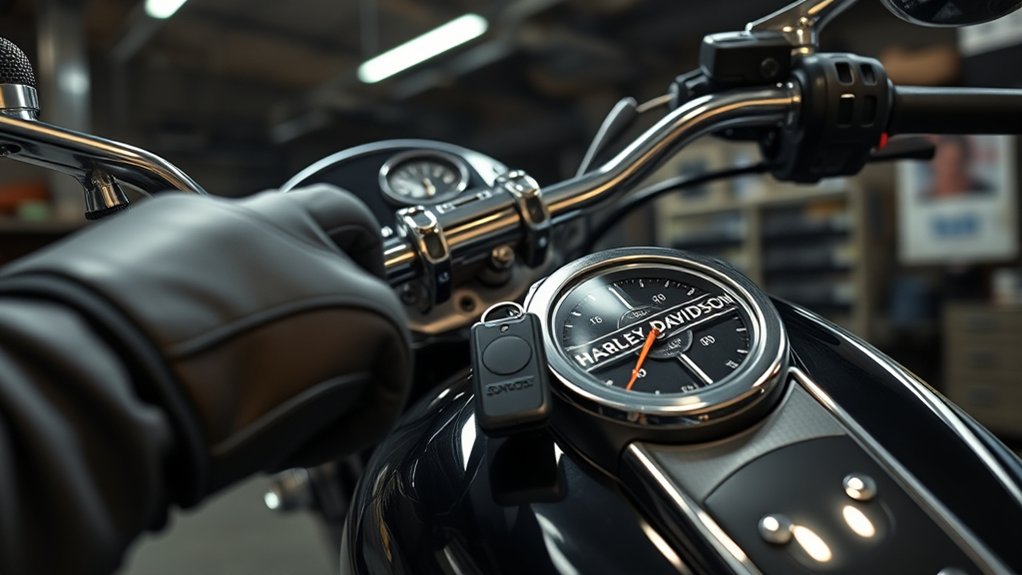
Although the Harley security system protects your bike from unauthorized starts, it can also prevent ignition if it detects suspicious activity. When troubleshooting starting issues, you’ll need to verify the alarm is deactivated by entering the correct PIN code using specific signal and button sequences.
The Harley security system blocks ignition during suspicious activity, requiring PIN entry to deactivate the alarm and start the bike.
The system may temporarily lock the ignition after multiple failed attempts, requiring a cooldown period.
Follow these steps to troubleshoot:
- Confirm you’re entering the correct PIN code to deactivate the alarm.
- Allow the system time to reset if it locks after failed starts.
- Use professional diagnostic tools or seek dealer assistance if resets fail.
When and How to Use Dealer or Techno Research Harley Tools
When standard troubleshooting steps don’t resolve your Harley security system issues, specialized diagnostic tools become necessary. Dealer or Techno Research tools retrieve or reset the PIN code by accessing the system’s memory. This is essential when you don’t know the current code.
These tools enable accurate PIN recovery. They allow authorized technicians to reset or disable the security system safely without risking permanent lockout. Usually, you’ll need to visit a certified Harley-Davidson dealer or a qualified aftermarket shop with Techno Research capabilities to use these tools.
| Tool Type | Function | Access Requirement |
|---|---|---|
| Dealer Diagnostic | PIN retrieval & reset | Harley-Davidson dealer visit |
| Techno Research | PIN access & system reset | Certified aftermarket shops |
| Both | Prevent permanent lockout | Authorized technicians only |
Frequently asked questions
Can I Reset the Harley Security System Without the Original Key?
You generally can’t reset the Harley security system without the original key.
The system relies on a unique PIN and key programming, which requires dealer tools or specialized diagnostic equipment.
Without these, you risk permanent lockout or damage.
If you’ve lost your key, your best option is to contact a Harley dealer or authorized locksmith.
They can safely reset or reprogram the system using proper tools and protocols.
It’s really the safest way to go about it.
How Often Should I Change My Harley Security PIN Code?
You should change your Harley security PIN about every 6 to 12 months, like clockwork. Doing this helps maintain tight security and prevents unauthorized access.
If your bike’s been serviced or you suspect a compromise, update the PIN immediately. Always use authorized dealership tools to reset it, making sure the system works correctly.
Regular changes keep your bike’s security robust. This way, only trusted individuals who know the current code can get in.
Does Disconnecting the Battery Reset the Harley Security System?
No, disconnecting the battery doesn’t reliably reset your Harley security system. The system stores its settings in non-volatile memory, so simply cutting power won’t clear codes or disable the alarm permanently.
In fact, unplugging the battery might trigger lockout mode, which can make things even more complicated.
You’ll need to enter the correct PIN or visit a dealer for a proper reset.
Always follow your model’s specific reset procedure for the best results. It’s the surest way to get things back to normal without any hassle.
Can Weather Conditions Affect the Harley Security System Functionality?
Yes, weather conditions can affect your Harley security system’s functionality. Extreme cold can cause electronic components to malfunction or respond slowly. High humidity and moisture may disrupt sensor signals and wiring connections.
Rapid temperature changes often lead to condensation inside the system, which can impair operation. Over time, weather-related corrosion or rust on wiring can degrade performance.
To keep your security system reliable, you should use waterproof covers and store your bike properly in harsh conditions. Taking these steps really helps protect your bike and its security features.
Is It Possible to Disable the Harley Security System Permanently?
Imagine a rider wanting to disable their Harley’s security system permanently to avoid false alarms. You can’t do this easily. It involves complex wiring changes or software tweaks that only professionals handle.
Harley-Davidson doesn’t offer user-level options to deactivate it, and tampering risks voiding warranties and reducing security.
Final Thought
By boldly battling your Harley’s baffling security system, you’ll swiftly solve startup snags and sidestep stubborn shutdowns. Simply start the security reset mode, skillfully use turn signals to see your security PIN, and securely submit your secret code.
Should dashes dash your display or difficulties develop, deploy dealer or Techno Research tools decisively. Stay sharp, stay systematic, and steer smoothly. Your savvy steps safeguard seamless starts and strong system security every single ride.